Journal

BASE Shop Design: Choose the Theme Fourth, the Order Behind Shops That Look Effortless

BASE Shop Design: Choose the Theme Fourth, the Order Behind Shops That Look Effortless

A bag on white paper. A bag on a wooden desk. A bag hanging from a hand. Three photographs, side by side, in the same row of the same shop. When a BASE shop design feels faintly unsettled, the cause is rarely the theme. It is usually a row like this one.

The theme is lovely, and yet the whole shop looks cluttered. It is the situation we hear about most. Changing the theme does not fix it. A theme is a container; what looks cluttered is what went inside. Swap the container as often as you like, and the same contents will clutter it in the same way.

This piece sets out four steps for putting a shop together on BASE. Choosing the theme is the fourth. By the end, you should be able to say, in your own words, what to settle before you ever open the theme gallery.

How to Build a BASE Shop Design: the Order Decides Almost Everything

BASE offers design themes that shape how a shop looks. Pick one, and the type, the spacing and the way products are laid out all fall into place at once. So most people start by opening the theme gallery.

But choose the theme first, and every decision after it becomes "does this suit the theme?" Product photographs, the shop description, all of it gets made to resemble the theme's sample. And the sample photographs were taken for the sample. The light and the surface are not those of your products.

Reverse the order. One: narrow down the products on the front page. Two: settle the first product photograph. Three: decide the one line that says what the shop is. Four: only then, choose the theme. With the contents decided, choosing a theme becomes a search for the container that gets in their way least, and it takes far less time.

A theme is a container for contents you have already decided. It will not decide them for you.
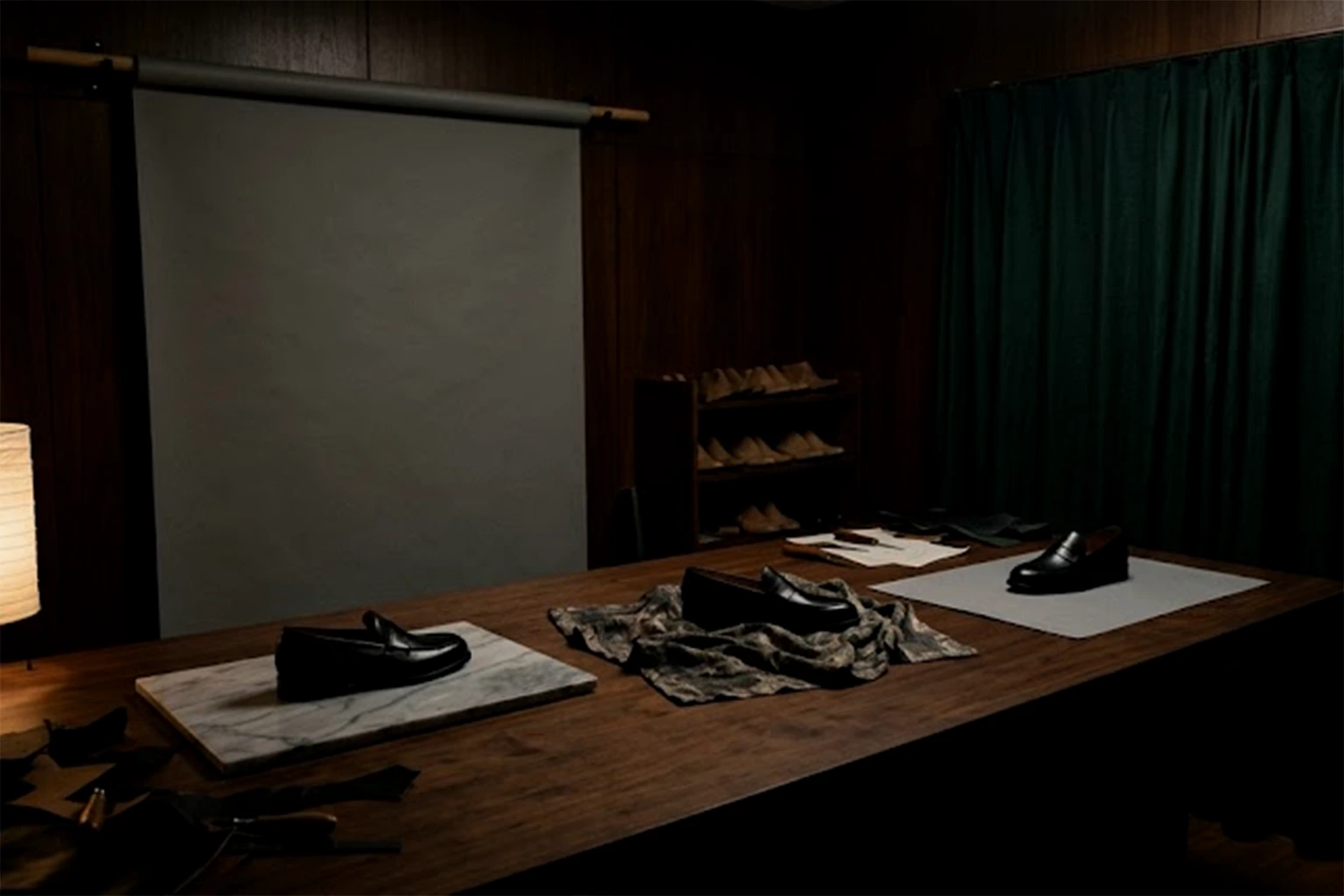
Three loafers on a long wooden table, each set on a different surface: marble, a patterned cloth and plain paper

One: Narrow Down What Sits on the Front Page

The first thing a visitor sees is the grid of products on the front page. Put everything there and every item carries the same weight; nobody can tell what kind of shop this is.

Choose three to six products that let you say, "this is us." Leave out seasonal pieces and anything with a single item left in stock. What remains becomes the face of the shop. Everything else can live one click further in, inside a category.

Decide the order, too. Put the piece you most want seen at the top left, and avoid placing two items close in price or colour next to each other. That alone gives the grid a gentle rise and fall.

A shop that shows a chosen few draws people deeper, because once the entrance tells them what the shop is, they open the next page without hesitation.

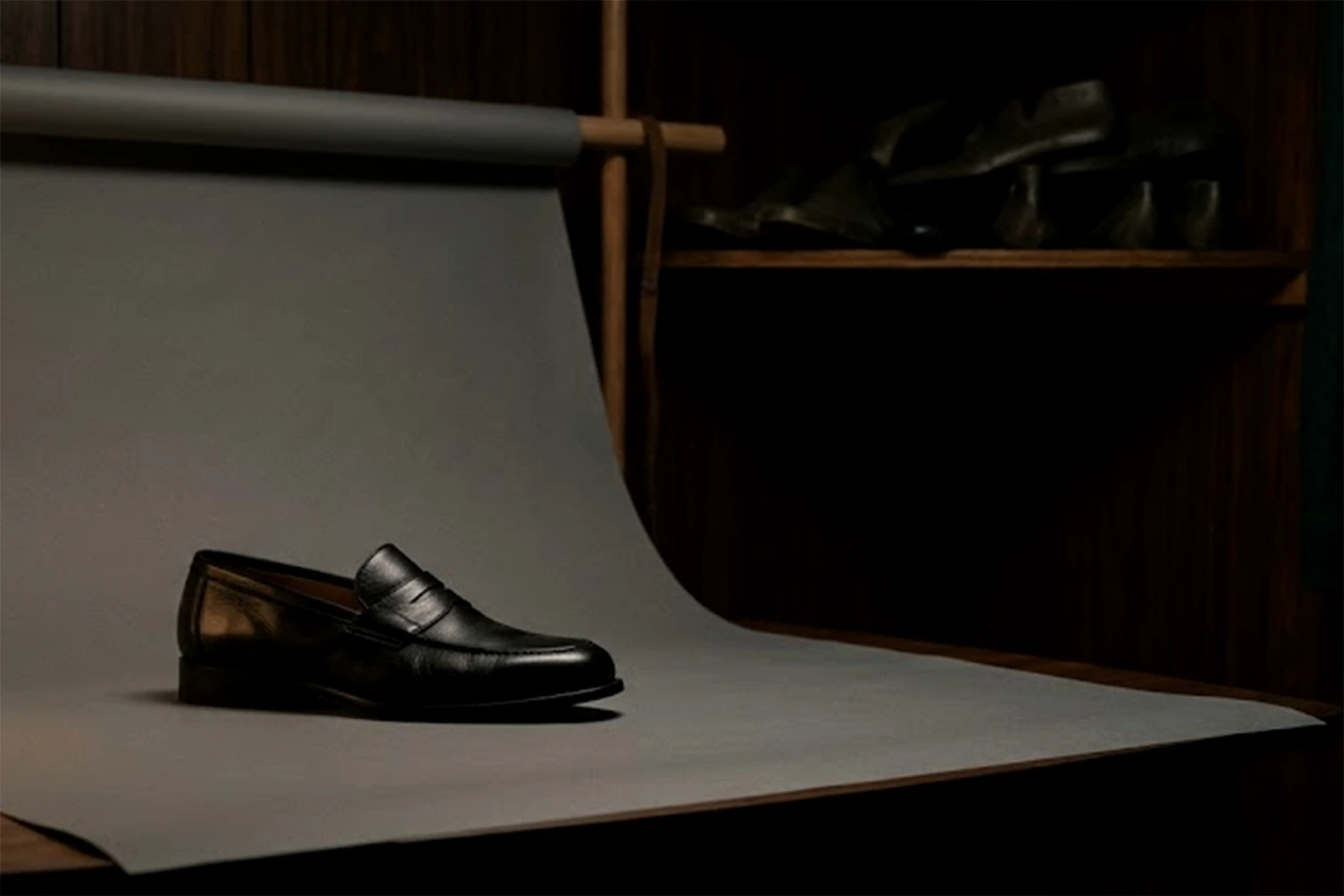
A single black loafer on a sweep of grey paper, lit from the left by one paper lamp

Two: Product Photos on BASE, Starting with the Surface and Light of the First Image

Back to the three photographs at the start. White paper, a wooden desk, a hand. None of them is a bad picture on its own. They look cluttered together because each has a different surface and a different light.

With product photos on BASE, the first image is the only one you need to be strict about at first, because the first image is the one that appears in the grid. One surface. Light from one direction. Each product filling roughly the same area of the frame. Get those three right and the grid goes remarkably quiet.

Choose a surface that is less noticeable than the product. Marble or a patterned cloth looks generous in a single shot. Line twenty of them up, though, and what stays in the eye is the pattern, not the product. Plain paper, a painted board, a cloth in a muted colour: the surface that gives up the lead role is the one that holds up best in a row.

From the second image on, you can relax. A product held in the hand, a close detail, a scene of use. Let the first image show the shop's standard and the rest show each product's character. Splitting the roles also takes the guesswork out of the day you shoot.

We have written about how to make photographs feel consistent, from the side of what to leave out rather than what to match, in a separate piece.

A quiet grid comes from being strict with the first image and generous with the rest.
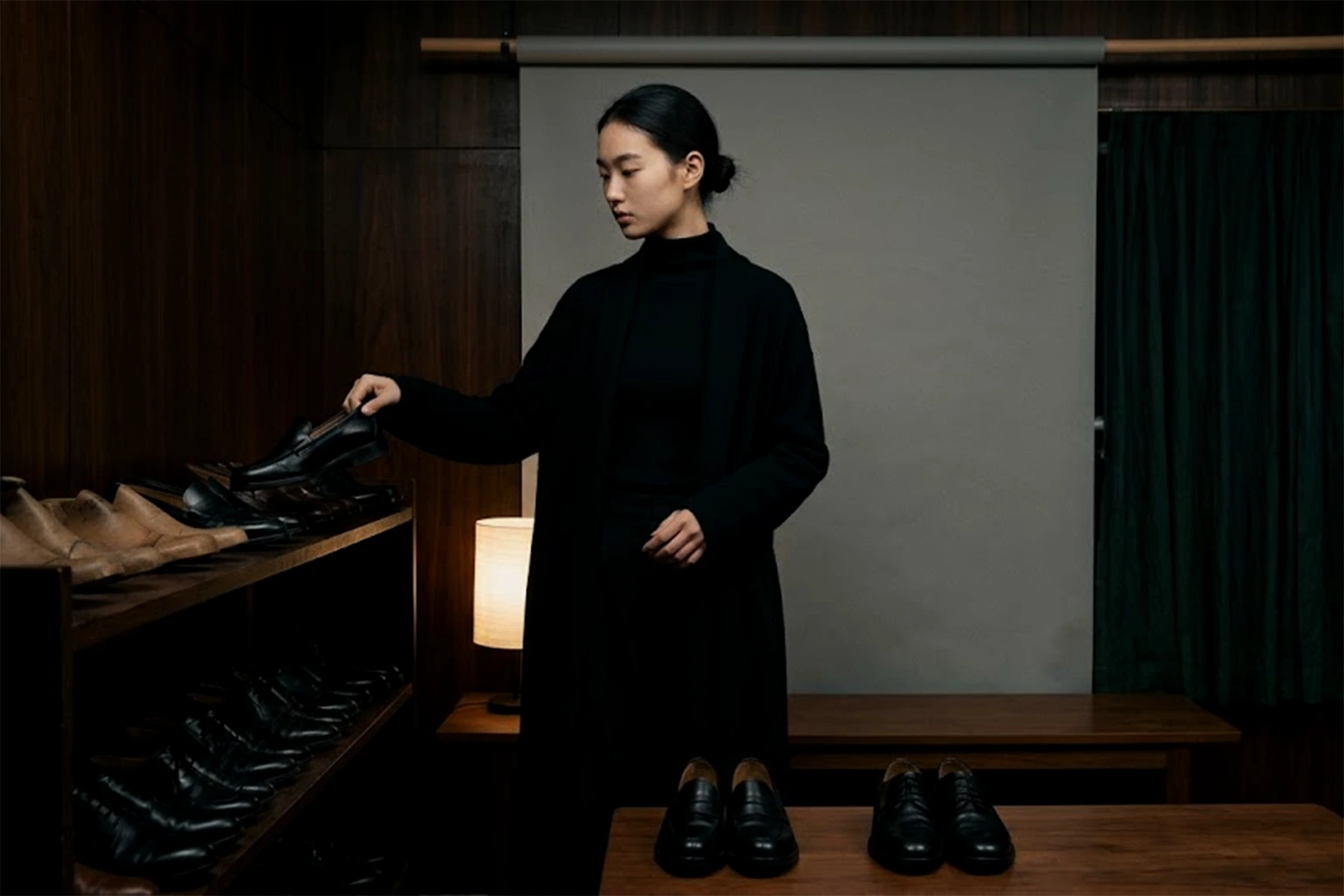
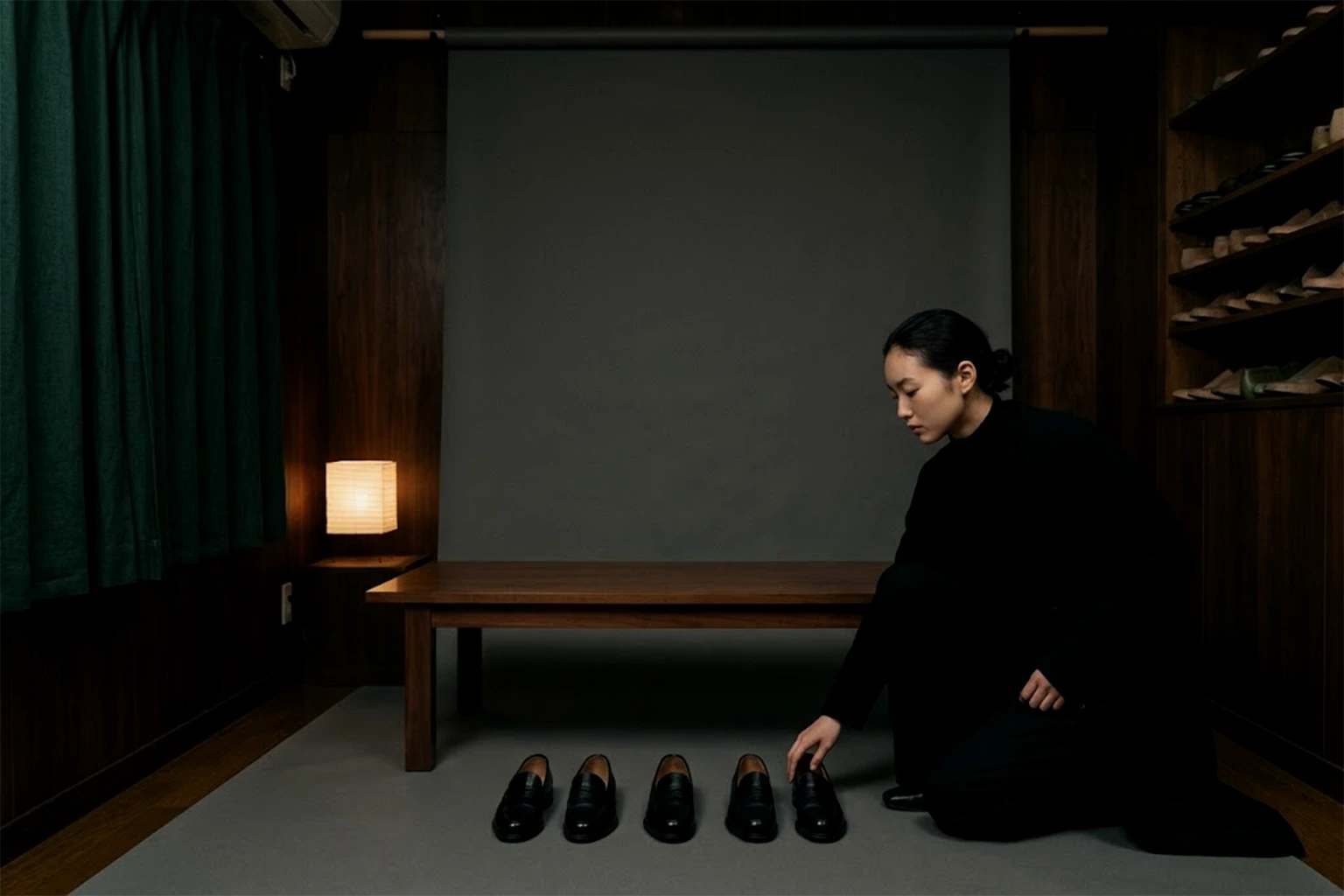
A person taking one shoe from a shelf, with two chosen pairs of loafers set out on the table

Three: Decide the One Line Before You Place Any Words

The heading on the front page, the shop description. Decide what goes there before you choose a theme. You do not need a long introduction. What matters is whether you can say, in one line, what the shop makes and for whom.

Once the line exists, so do the words you will leave out. "Carefully made." "Our commitment to quality." "Stylish." Words any shop could use thin a shop out the moment they are written. Place one concrete thing instead: the name of a material, the place where the work is made, the moment you hope it will be used.

The line reaches the product names as well. If the names in the grid are sometimes model numbers, sometimes descriptions and sometimes nicknames, the row of text wavers even when the photographs are aligned. Settle on one shape for a name, and the lower half of the grid goes quiet too.

The line also becomes the measure for choosing a theme. Does the heading typeface match the temperature of the line? Does the spacing give it room? With the words in place first, you look at theme samples with different eyes.

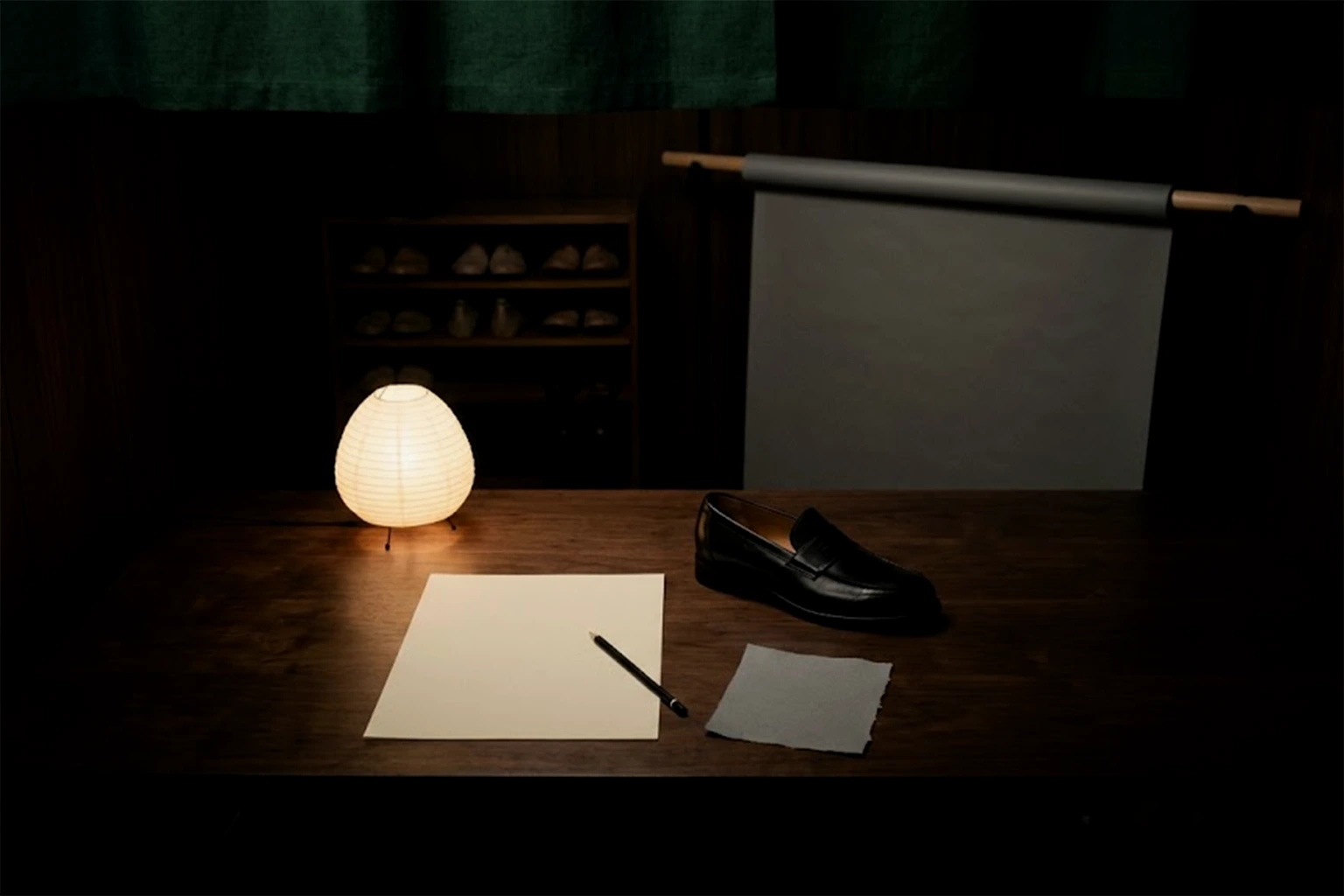
A sheet of blank paper and a pencil on a wooden desk under a paper lamp, beside a scrap of grey paper and one black loafer

Four: Choose the Theme, and Make Design Changes by Removing Rather Than Adding

Only now do you choose the theme. Look at the structure, not the sample photographs. Do product images appear large? Is the type restrained? Is there generous space? Choose the structure that receives the contents from the first three steps most plainly.

The same order applies to design changes afterwards. On BASE, the HTML editing app lets you rewrite the inside of a theme itself. With that much freedom, the temptation is to add: a coloured band, motion, a decorative rule. But the more you add, the more the quiet of that carefully aligned first image comes apart.

The changes that work are usually removals. Delete a band nobody uses. Bring a heading down a size. Widen the space between products. For changes that add, adopt a rule: one in, one out. Hold to it, and the shop keeps its look for a long time.

What Stylish BASE Shop Design Examples Have in Common Is a Quiet Row

Set stylish shop design examples side by side and the themes turn out to be all different. What they share is not the theme but the row. The surface of the first image is the same throughout. Few products sit on the front page. The words are a single line, stated plainly.

Stylishness, in other words, is not something you choose. It is what appears once things are aligned. Buy an expensive theme, and a grid of mismatched surfaces will still look cluttered. Use a free one, and if the first images agree, the shop will look calm and quietly expensive.

Stylish shops are not remembered for their themes. They are remembered for their rows.

KHZ ART builds e-commerce sites connected to BASE from ¥120,000, with a shortest turnaround of two weeks. We start before the theme, with narrowing the products and setting the standard for the first image. Our website cost simulator (in Japanese) shows a working total as soon as you select the items.

If you only want the first product images aligned, we also take that on as visual production, from ¥30,000 per image with a shortest turnaround of three days; resizing for social formats is ¥5,000. The figures shown are a guide built from the lowest price of each item, and we quote each project individually depending on the number of products and the depth of the world.

Before You Open the Theme Gallery, Write Down Three Things

Before you open the theme gallery, write down three things.

One: the products for the front page, three to six of them.

Two: the surface and the light for the first image, one of each.

Three: the one line that says what the shop is.

With those three on paper, a theme is no longer something to hunt for. It is something to hold up against what you already know. A BASE shop design lasts longer on the three lines you decided first than on the theme you chose last.

Read next
How to Make Your Photos Look Consistent: Stop Matching, Start Discarding
Corporate Website vs Brand Website: One Visitor Comes to Check, the Other Comes to Fall for You
All Articles
EC Website

We start with the three things before the theme.

E-commerce sites connected to BASE from ¥120,000, shortest turnaround two weeks. Tell us about your brand — we usually reply within 2–3 business days.

Start the Conversation